Skip to content
Accounting

Bank Reconciliation

Accounting

Bank Reconciliation

Import bank statements, match transactions to invoices and payments, and keep your Odoo balance in sync with your actual bank account.

7 steps Updated Mar 7, 2026 SOP · Standard

Bank reconciliation is the process of matching every transaction in your bank statement to a corresponding entry in Odoo — an invoice payment, a vendor payment, a bank fee, or a transfer. Doing it regularly (daily or weekly) keeps your books accurate and catches discrepancies before they become problems.

1

Set Up Bank Synchronisation

Odoo can automatically import transactions from thousands of banks via direct sync.

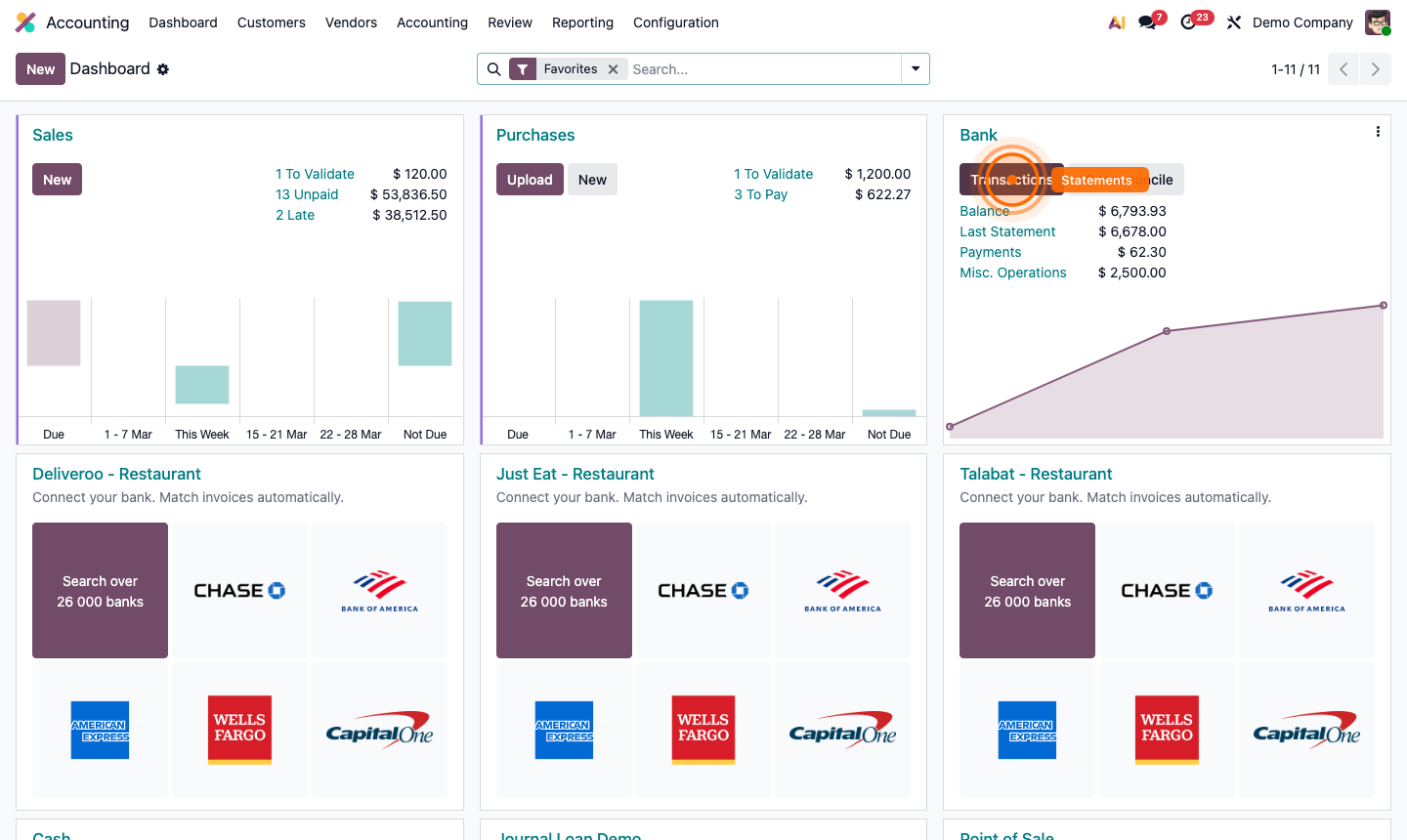
Go to Accounting → Configuration → Add a Bank Account.

  1. Enter your bank name — Odoo searches its provider network.
  2. For supported banks, click Connect and follow the OAuth flow to link your bank account.
  3. Transactions import automatically on a schedule (daily, or on demand).

For banks without direct sync, manually import OFX, QIF, or CSV files: Accounting → Dashboard → Import on the bank journal card.
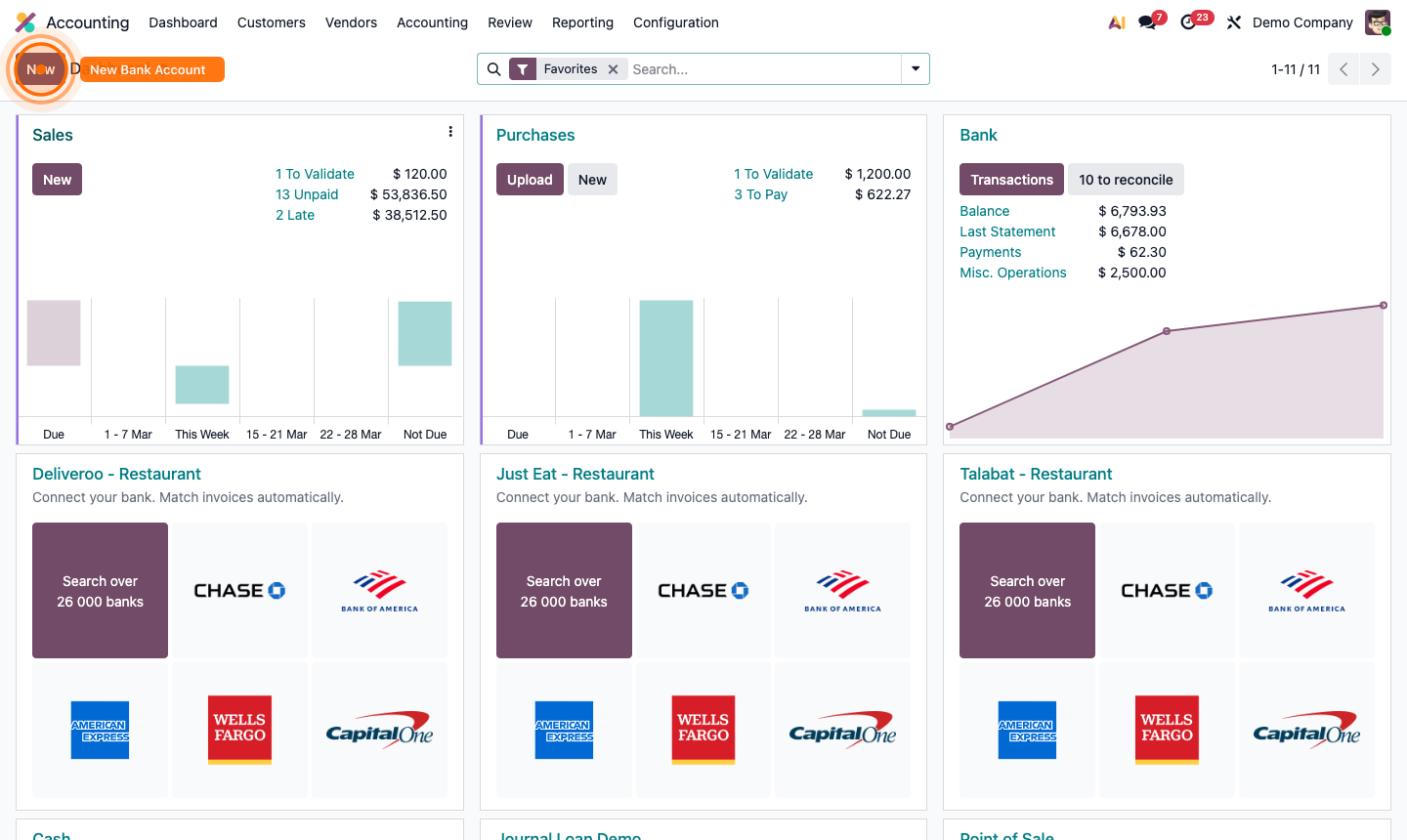
Step 1: Bank account setup showing synchronisation provider search and connect flow

2

Access the Reconciliation Interface

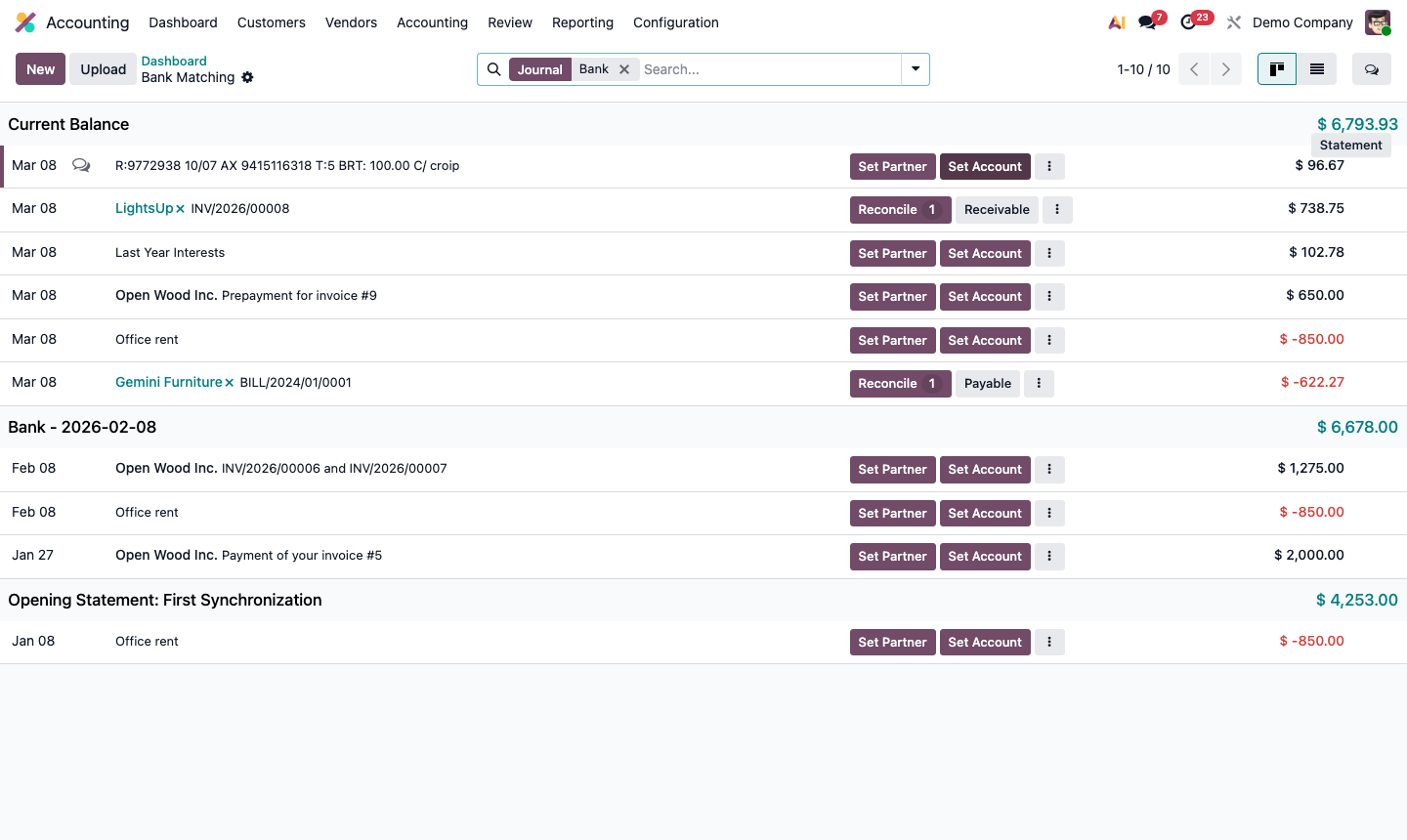
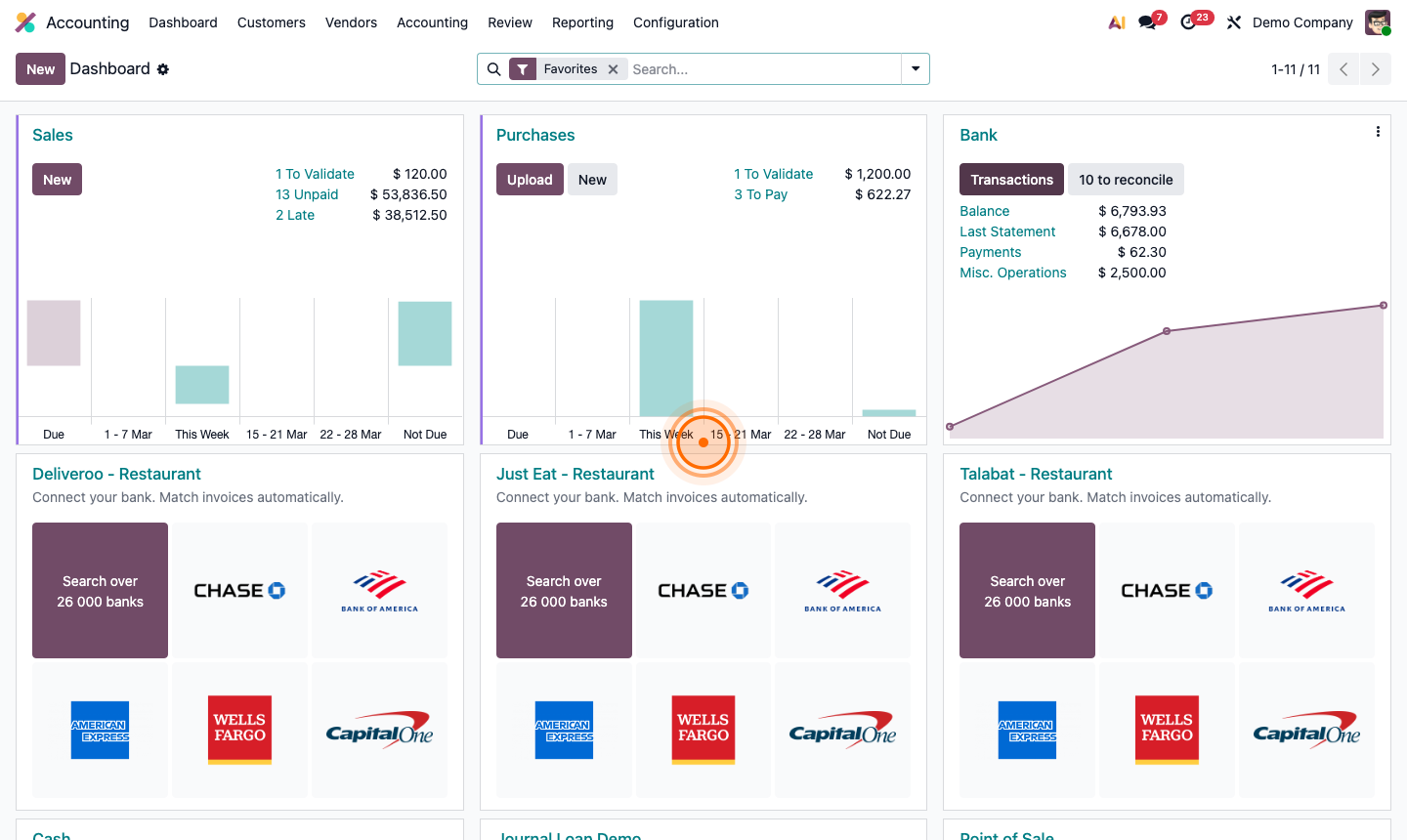
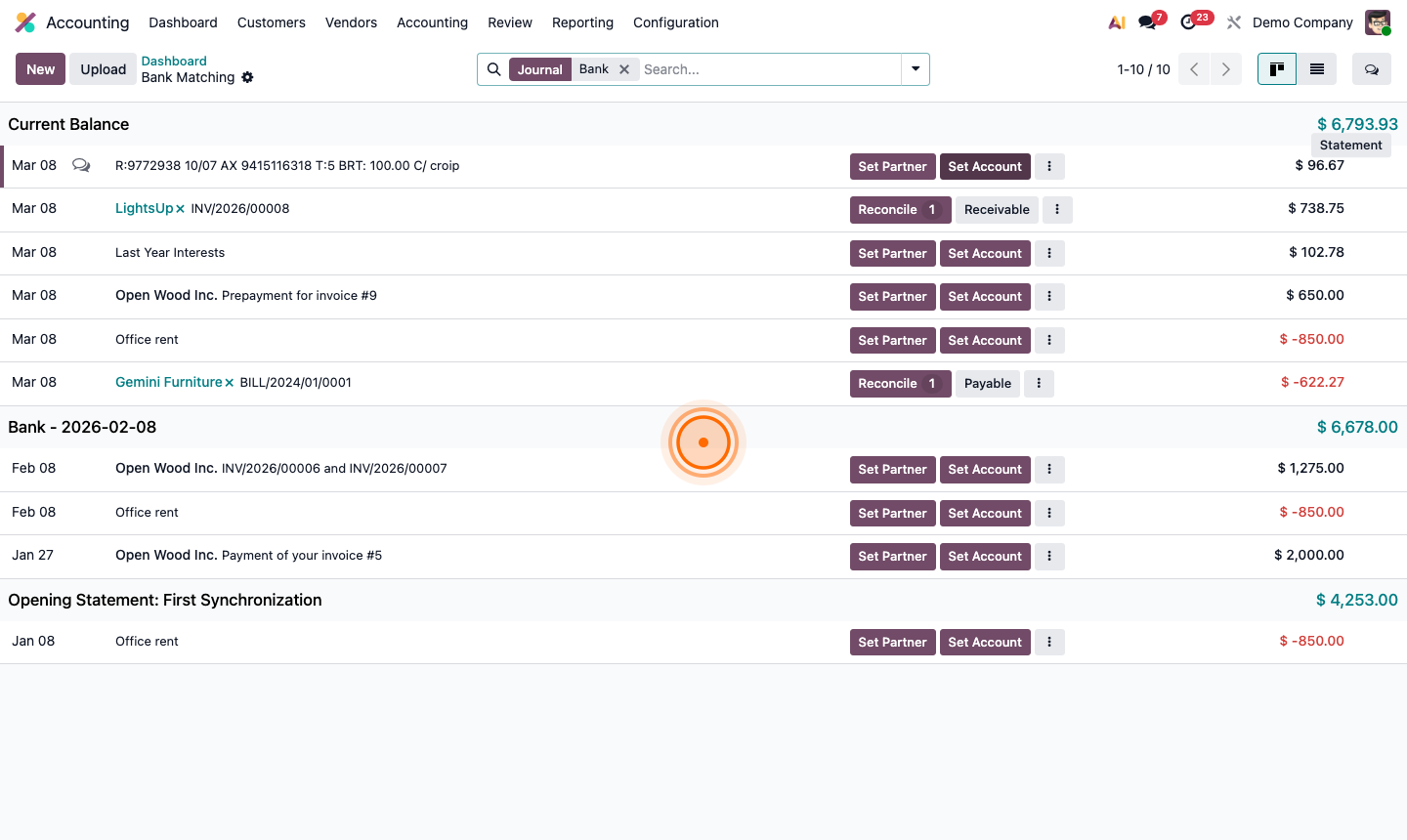
Go to Accounting → Dashboard. On your bank journal card, click Transactions (or the number showing unreconciled transactions).

The reconciliation view has two panes:

  • Left — bank statement transactions (from your real bank)
  • Right — Odoo’s matching suggestions (invoices, payments, previous entries)

Work through the list from top to bottom. For each bank transaction, Odoo shows the most likely match based on amount, date, and reference.

Step 2: Bank reconciliation interface showing bank transactions on left and suggested matches on right

3

Match Transactions to Existing Records

For each bank transaction, Odoo suggests matches. Review the suggestion:

If the match is correct:

  • Click Match to confirm the reconciliation
  • The transaction is marked as reconciled and disappears from the queue

If the match is wrong:

  • Click the X on the suggested match
  • Search manually for the correct invoice or payment

Partial matches (e.g., a bank transfer covers multiple invoices):

  • Add multiple lines in the reconciliation editor
  • Split the bank amount across several records

Step 3: Reconciliation matching a bank transaction to an invoice with Match confirmation button

4

Handle Unmatched Transactions

Some transactions won’t match any existing Odoo record — bank fees, interest, direct debits. For these:

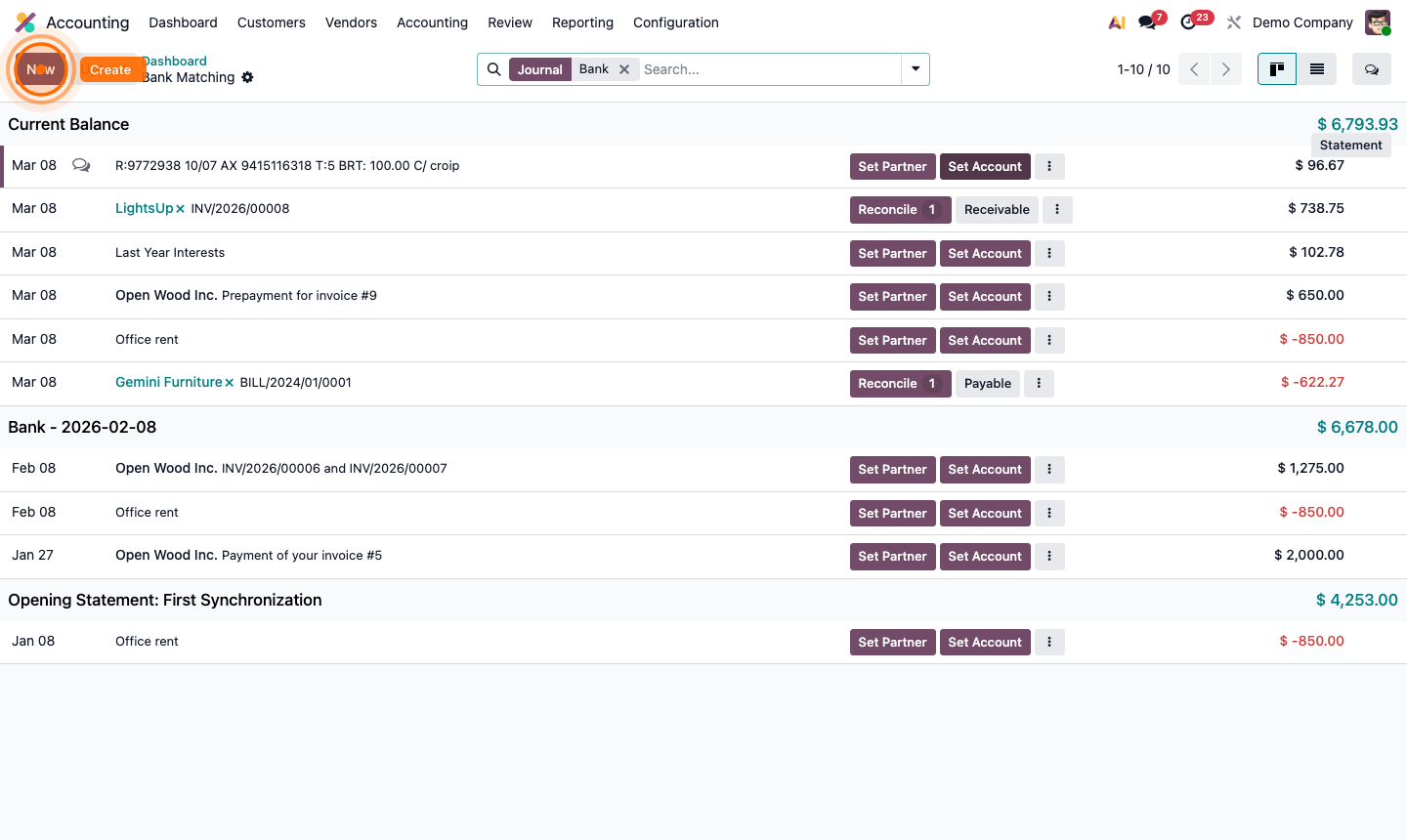
Click Create (or New Entry) on the unmatched transaction:

  • Account — the GL account (e.g., 6700 – Bank Fees)
  • Partner — optional (e.g., your bank name)
  • Label — description for the journal entry

Click Validate. This creates a journal entry directly from the bank statement.

Step 4: Create entry dialog for an unmatched bank transaction with account and label fields

5

Set Up Reconciliation Models

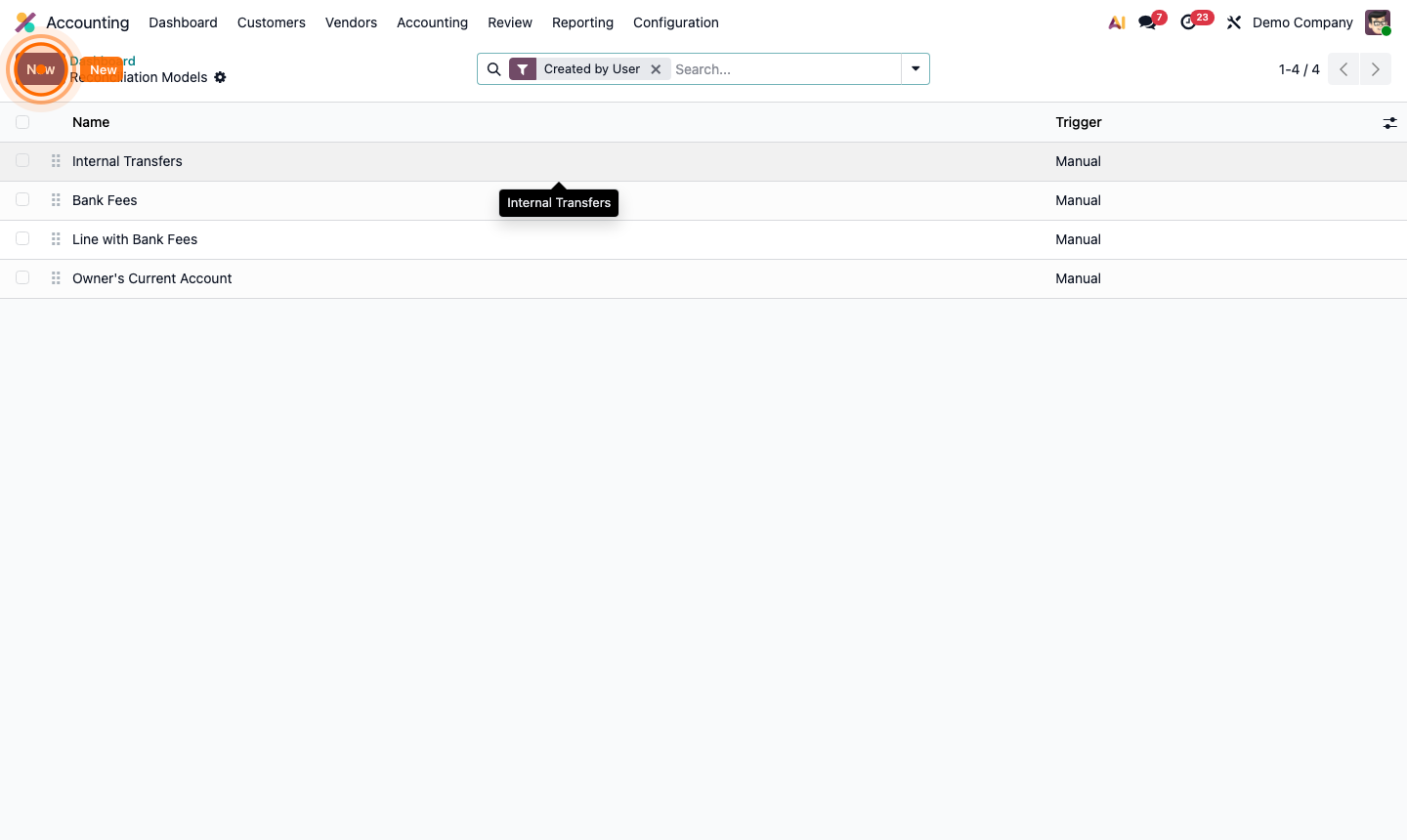
Reconciliation models automate the matching of recurring transactions like bank fees or standing orders.

Go to Accounting → Configuration → Reconciliation Models. Click New.

Configure a rule:

  • Rule Type — Match Existing Records or Write-off Entry
  • Matching Criteria — by label, amount, or partner
  • Write-off Account — the GL account for write-off rules
  • Tolerance — accept matches within a percentage (for FX differences)

Examples:

  • Bank fee labelled “MONTHLY FEE” → always post to 6700 – Bank Charges
  • Stripe transfer → match the corresponding customer payment by amount

Step 5: Reconciliation model form showing matching criteria and write-off account configuration

6

Validate the Bank Statement

After reconciling all transactions, click Validate at the bottom of the reconciliation view.

Odoo compares:

  • Statement Ending Balance (from your bank)
  • Odoo Computed Balance (from reconciled transactions)

If they match: ✅ The statement is validated and closed. If they don’t match: investigate unreconciled or incorrectly matched transactions.

A validated statement creates a permanent audit trail showing your books matched your bank at a specific date.

Step 6: Statement validation screen showing bank balance vs Odoo balance comparison

7

Review the Bank Reconciliation Report

Go to Accounting → Reporting → Bank Reconciliation for a summary of:

  • Outstanding transactions not yet on a statement
  • Payments in transit (sent in Odoo, not yet on bank statement)
  • Deposits in transit (received in Odoo, not yet cleared at bank)

This report is required for month-end close. The balance should be zero (fully reconciled) or show only genuinely in-transit items.

Step 7: Bank reconciliation report showing outstanding items and in-transit transactions