Add Tags to a Contact
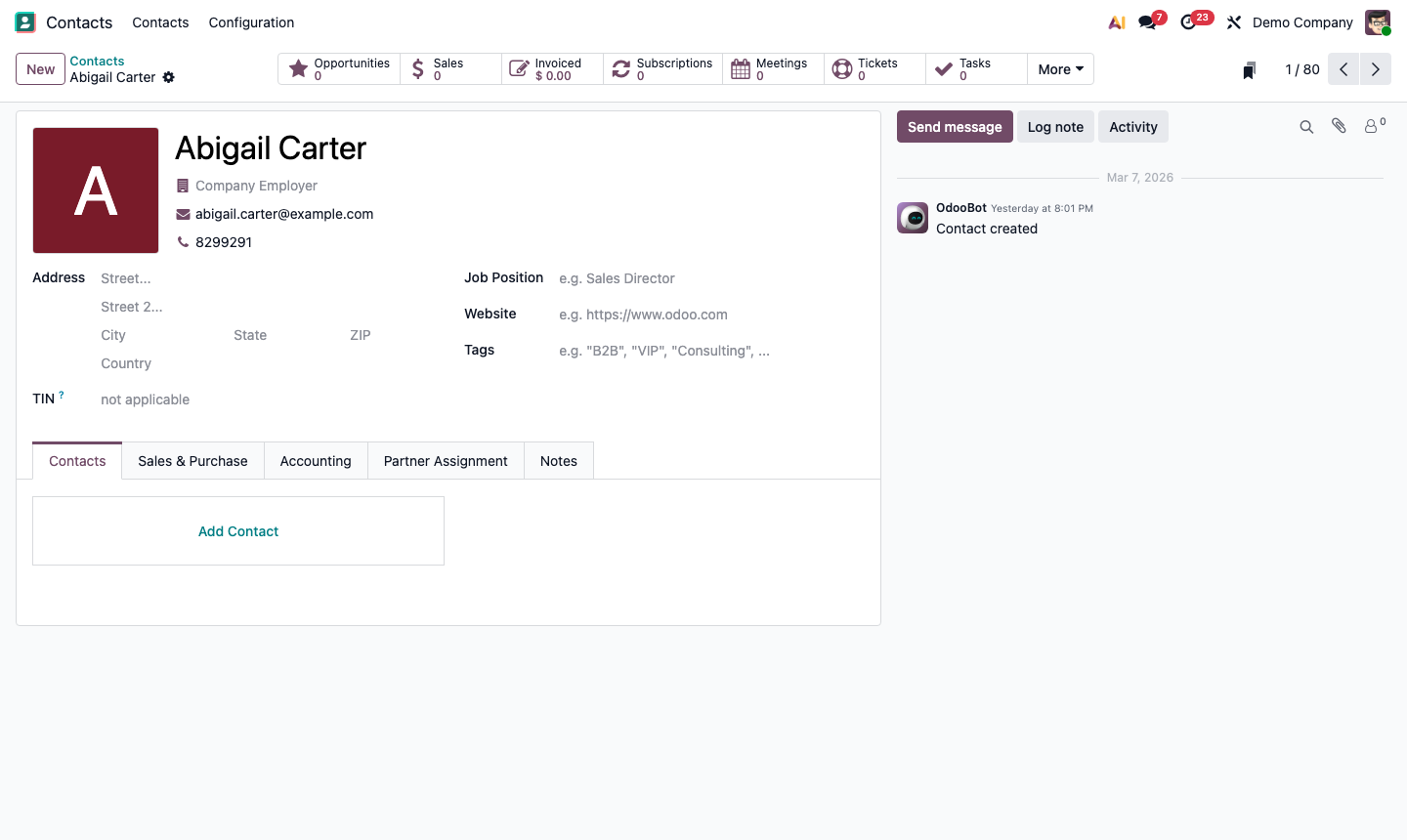
Open any contact. Find the Tags field (just below the name in the header area).
Click the Tags field and start typing. Odoo shows existing tags that match, or lets you create a new one by pressing Enter.
Tags are colour-coded for visual scanning in list views. To assign a colour, go to Contacts → Configuration → Tags, select a tag, and pick a colour.
Apply multiple tags per contact — e.g., a contact can be tagged as both “Enterprise” and “UK Prospect”.