View the Chart of Accounts
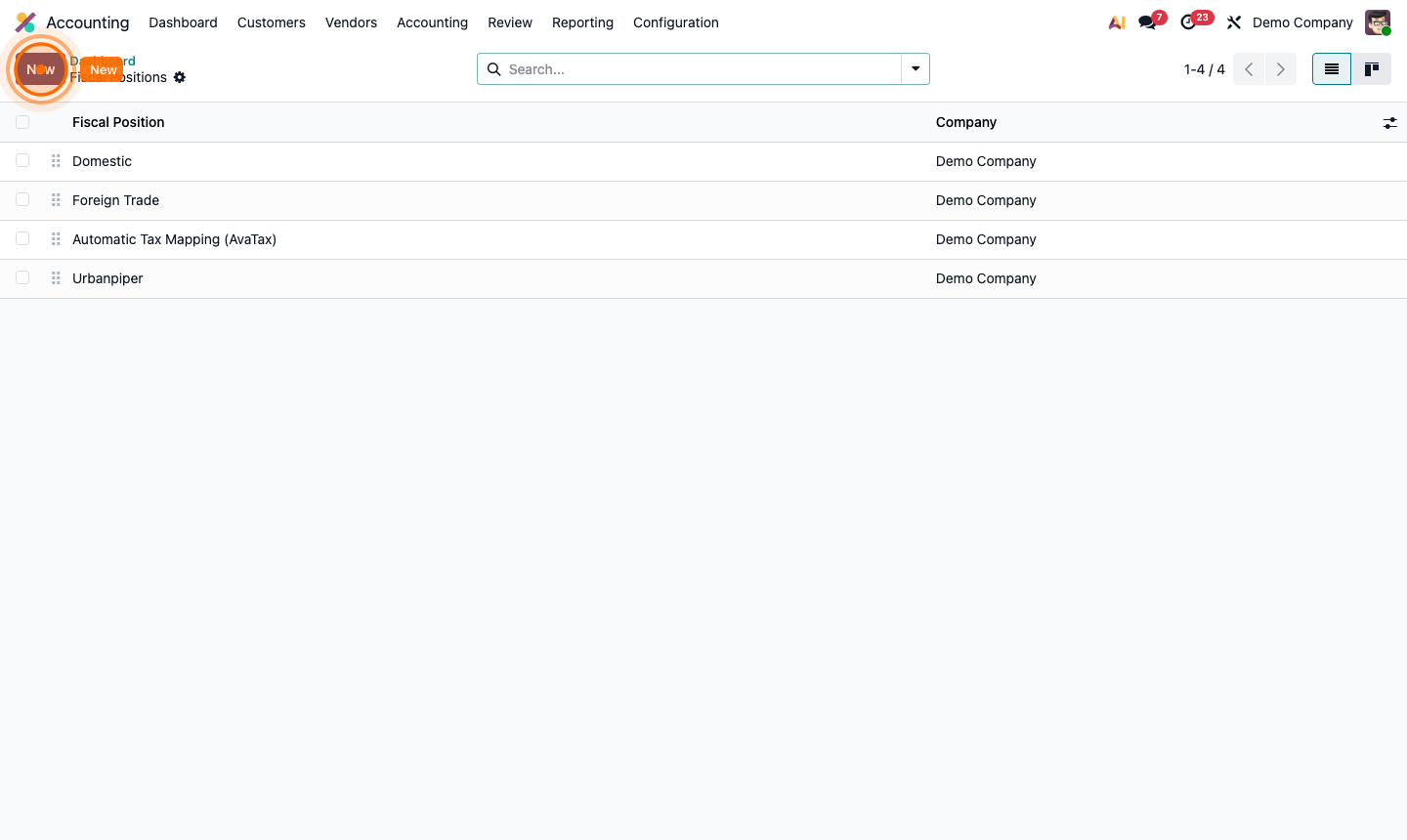
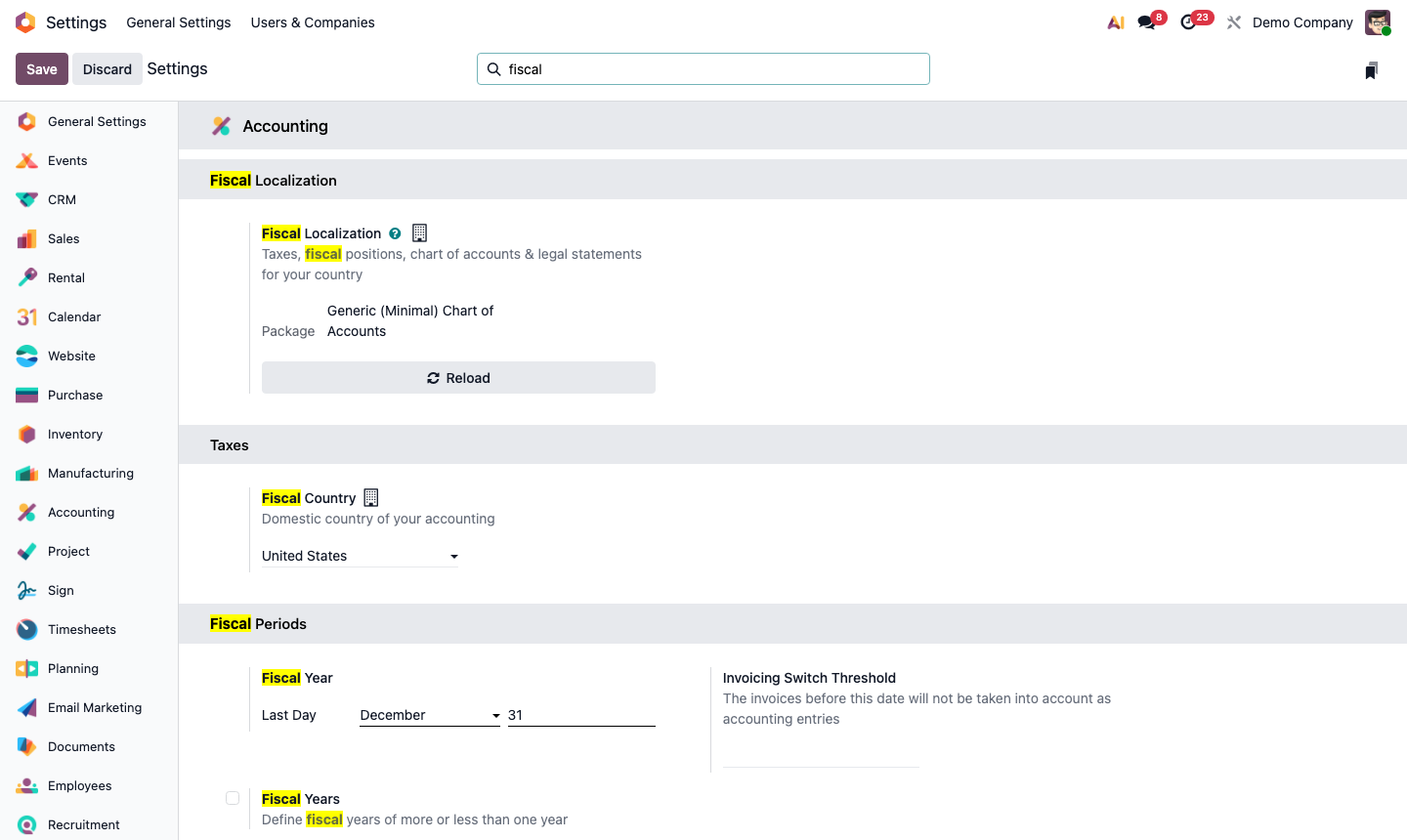
Go to Accounting → Configuration → Chart of Accounts.
The list shows every account with:
- Code — the account number (e.g., 1000 for cash, 4000 for revenue)
- Account Name — descriptive label
- Type — the account type (Asset, Liability, Equity, Income, Expense)
- Internal Type — sub-type (Receivable, Payable, Bank, etc.)
- Deprecated — archived accounts no longer used
The structure typically follows:
- 1xxx — Assets (cash, receivables, inventory)
- 2xxx — Liabilities (payables, loans)
- 3xxx — Equity
- 4xxx — Revenue
- 5xxx-6xxx — Expenses